
Download FoxGLove – Firefox browser, Google Chrome skin, portable browser, add-ons, Google services, USB drive, Better GMail, Better GReader, AdBlock Plus, CustomizeGoogle, Google Gears, Dictionary Search, productivity tool, web utility, Firefox ecosystem
Overview
FoxGLove is a specialized web browsing utility designed to merge the strengths of Mozilla Firefox with the modern, streamlined interface of Google Chrome. It serves as a portable browser solution, enabling users to carry their entire browsing environment on a USB drive without requiring installation on the host machine. This makes it particularly useful for individuals who frequently use public or shared computers, such as students, travelers, or professionals working across multiple devices.
The app addresses the need for consistent web access and personalization across different environments. By integrating core Firefox functionality—such as robust add-on support and customizable settings—with a visually modern Chrome-like skin, FoxGLove bridges two popular browsing ecosystems. It is ideal for users who are loyal to the Firefox platform but desire the aesthetic appeal and seamless integration with Google services that Chrome offers.
Although the developer did not provide additional background information, the app’s release date of November 25, 2008, places it among early attempts to create hybrid browser experiences. Its focus on portability and add-on compatibility highlights its role as a productivity tool within the broader web utility landscape. Real-world use cases include accessing personal email, managing Google Drive files, or maintaining a customized browsing workflow while on the move.
Key Features & Functionality
- Portable Operation: FoxGLove can be launched directly from a USB drive, requiring no installation on the host system. This ensures privacy and consistency across different machines, making it ideal for temporary or shared environments.
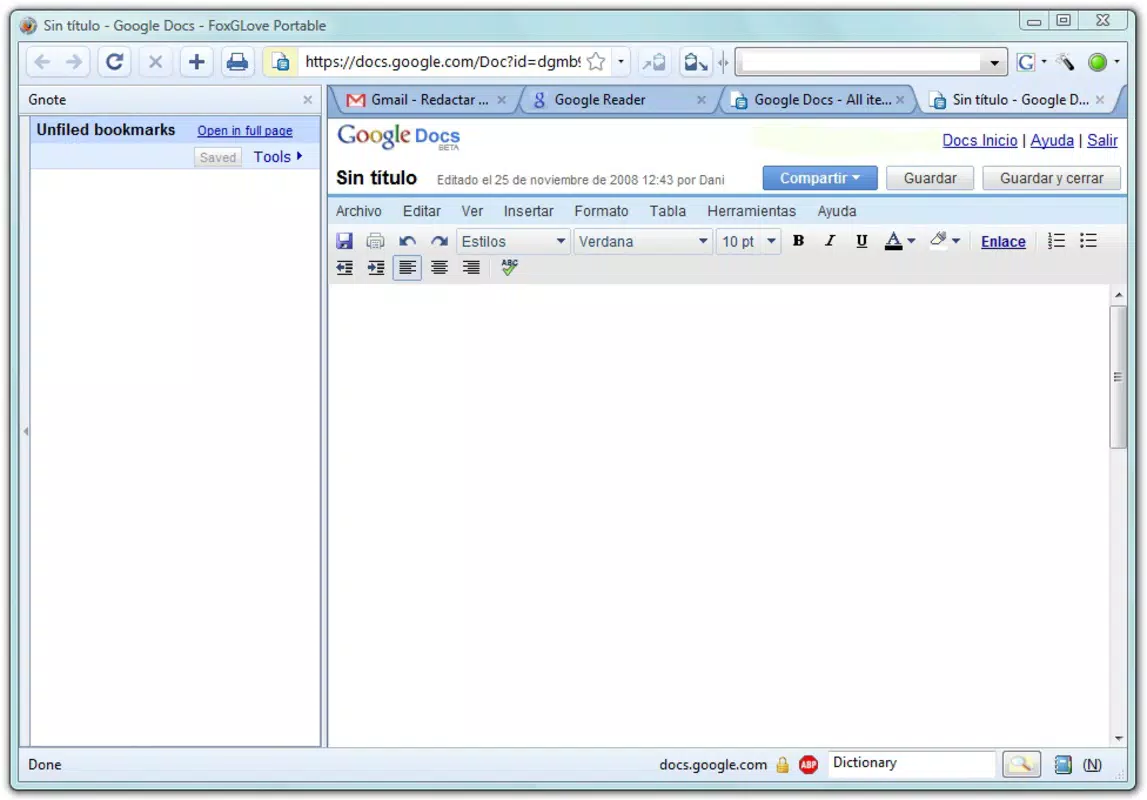
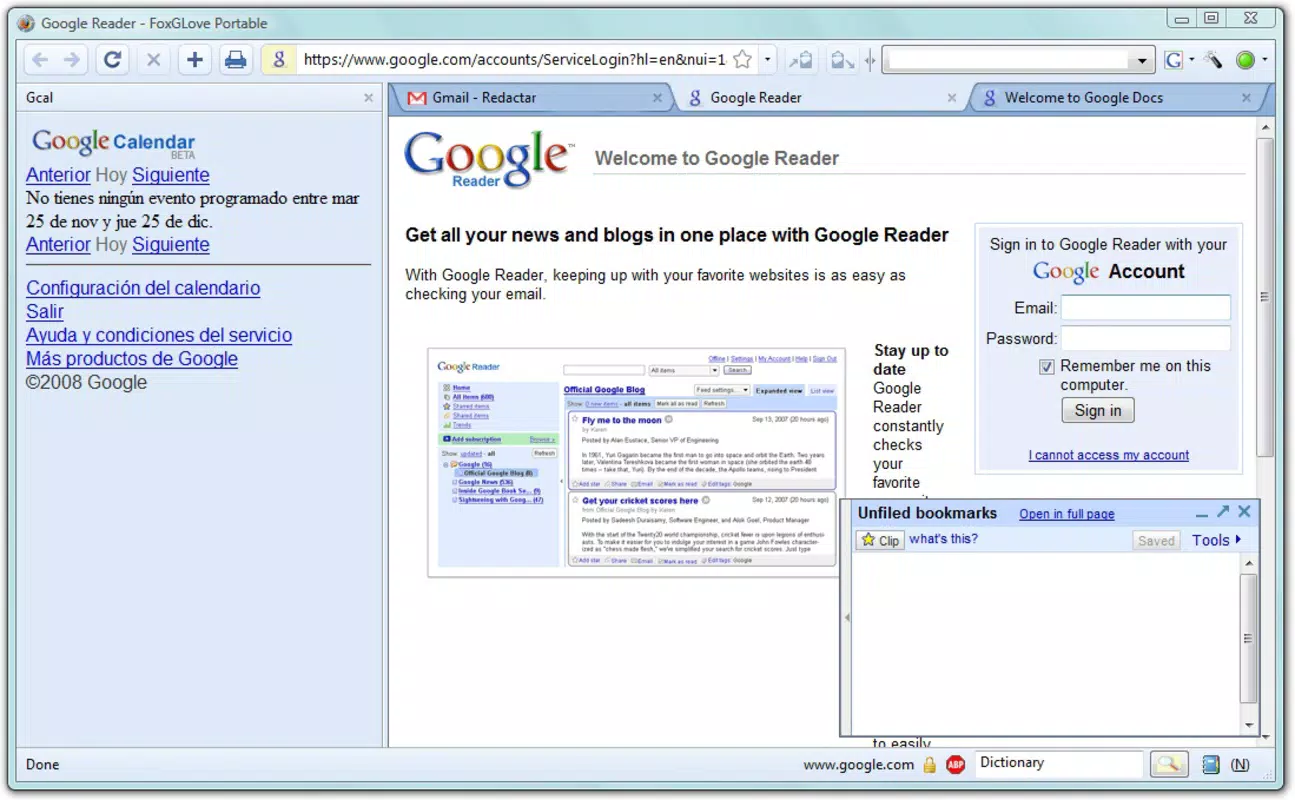
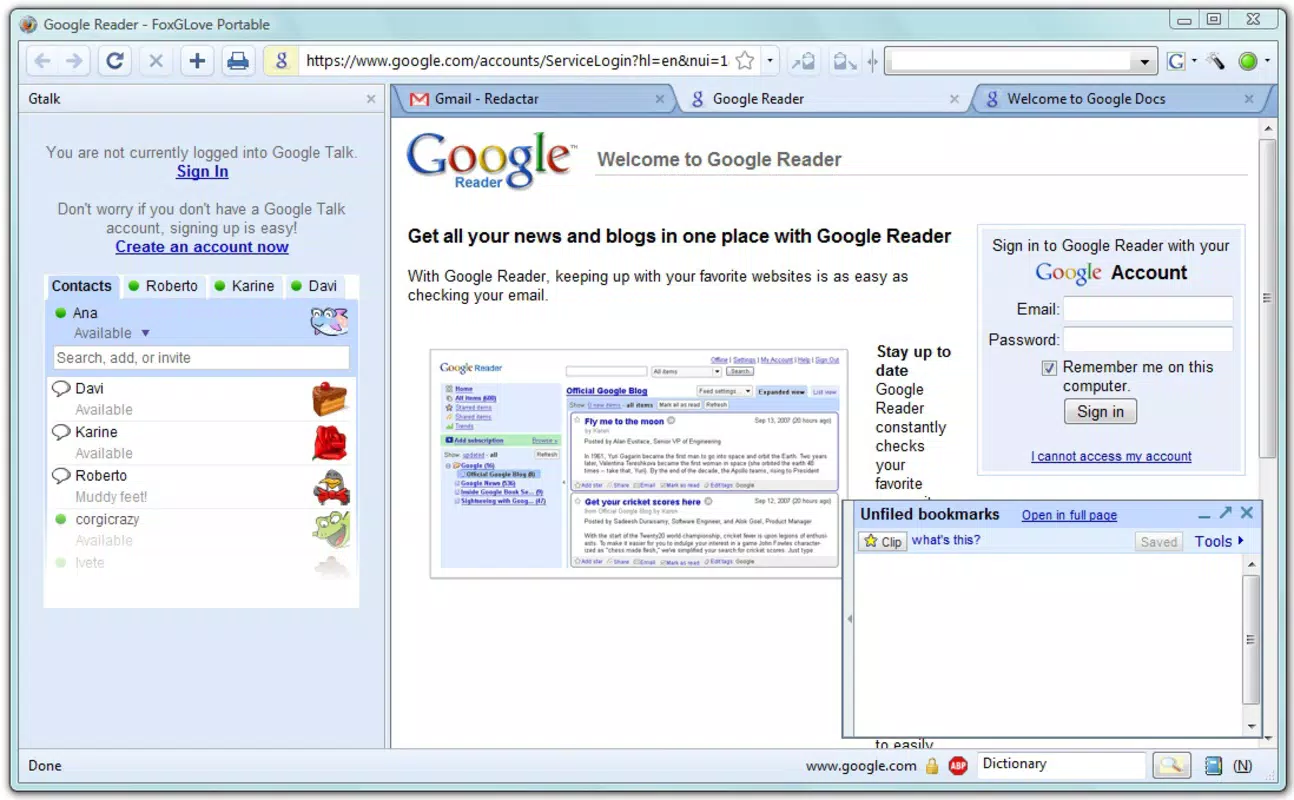
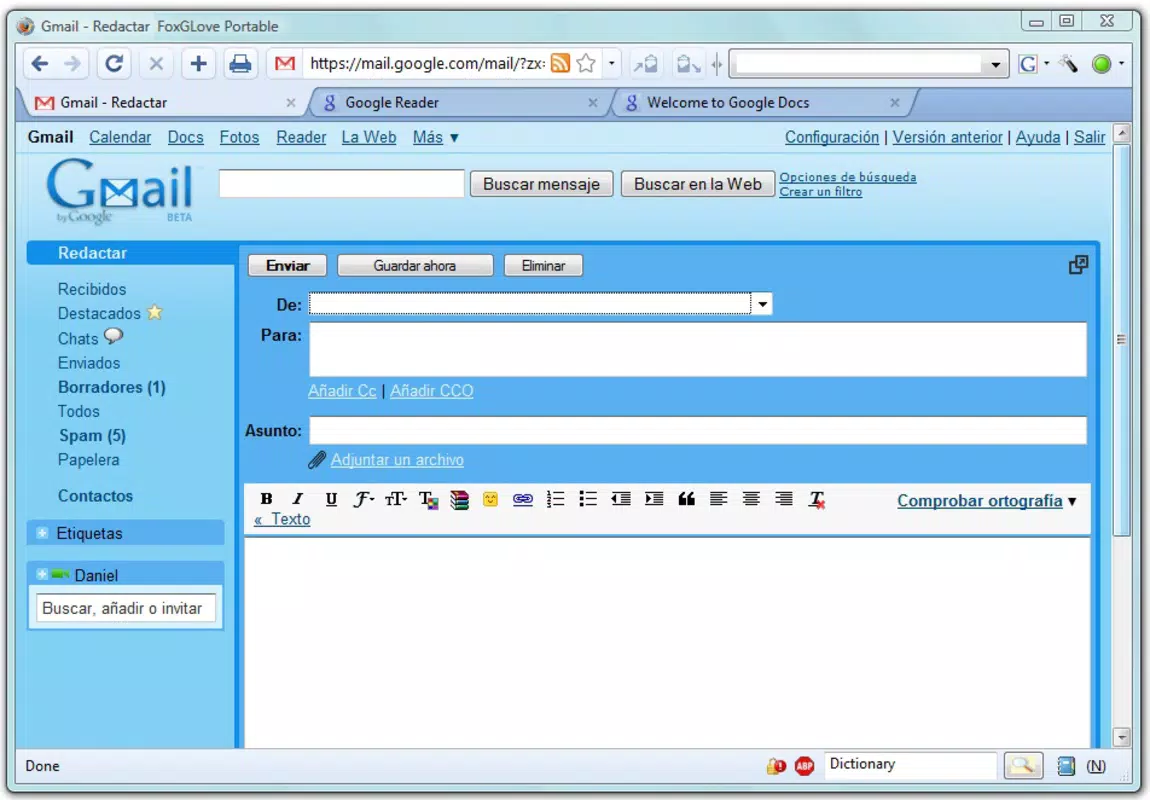
- Google Services Integration: The browser supports seamless access to Google applications such as Gmail, Google Reader, and Google Drive. Built-in add-ons like Better GMail and Better GReader enhance usability by improving layout, navigation, and content display.
- Comprehensive Add-On Support: Bundled with powerful tools including AdBlock Plus for ad removal and CustomizeGoogle for interface personalization, FoxGLove allows users to tailor their browsing experience to reduce distractions and increase efficiency.
- Chrome-Like Aesthetic: The interface adopts a sleek, modern design reminiscent of Google Chrome, offering tabbed browsing, minimal UI clutter, and intuitive layout—features that appeal to users seeking both style and functionality.
- Enhanced Productivity Features: Features such as Google Gears for offline web application support and Dictionary Search for instant lookup provide practical advantages for power users and frequent web researchers.
These features collectively serve users who prioritize control, customization, and access to Google tools within a Firefox-based framework. For example, a digital marketer might use FoxGLove to access Gmail and Google Analytics from a library computer while maintaining their preferred ad-blocking and interface settings.
Interface, UX & Performance
The user interface of FoxGLove reflects a clean, tab-based layout with a focus on simplicity and visual clarity. The Chrome-inspired design emphasizes usability, with intuitive navigation, easily accessible bookmarks, and a streamlined address bar. The visual style is minimalistic, reducing visual noise and enhancing focus on content.
Navigation is straightforward, with standard browser controls placed in predictable locations. Tab management is responsive, allowing users to switch between multiple web pages efficiently. The application’s lightweight nature—only 12.5 MB in size—contributes to fast startup times and low resource consumption, even on older systems.
Although the developer did not list formal performance metrics, the app’s portability and small footprint suggest it is optimized for stability and responsiveness across a range of device categories. It is likely to function smoothly on systems with limited processing power or memory, making it accessible to users with older or low-end hardware.
Users can expect consistent behavior when running the app from a USB drive, with no dependency on the host machine’s configuration. The absence of installation also minimizes the risk of conflicts with existing software.
Platform Compatibility & Technical Requirements
FoxGLove is designed for the Windows operating system. The app has a file size of 12.5 MB, making it compact and suitable for storage on small USB drives. The software version is 1.0, and the release date is November 25, 2008.
The developer did not specify minimum OS requirements or compatibility details beyond the platform. As such, it is unclear whether FoxGLove supports modern Windows versions such as Windows 10 or 11, or if it is limited to older systems like Windows XP or Vista.
Given its age and lack of updated technical specifications, users should exercise caution when deploying the app on current systems. While it may still function on some modern environments through compatibility modes, official support or updates are not available.
Pros and Cons
Pros
- Portable browser experience with no installation required
- Combines Firefox’s extensibility with a modern Chrome-like interface
- Includes useful add-ons like AdBlock Plus and Better GMail
- Small file size (12.5 MB) ensures fast deployment and low storage usage
- Supports Google services integration for enhanced productivity
Cons
- Released in 2008; may lack compatibility with modern Windows versions
- No official updates or developer support since release
- Specific system requirements were not disclosed
- Not available for Android, iOS, or other mobile platforms
- Security updates or patches are unlikely due to its age
FAQ
Is FoxGLove safe to use on public computers?
Yes, because FoxGLove runs from a USB drive without installing anything on the host machine, it minimizes the risk of data leakage or malware exposure. However, users should ensure the USB drive is scanned for viruses before use.
Can I install FoxGLove on my smartphone?
No, the app is designed exclusively for Windows and is not available for Android or iOS devices. It cannot be installed on mobile smartphones.
Does FoxGLove require an internet connection?
Yes, like any web browser, FoxGLove requires an active internet connection to access websites and online services such as Gmail or Google Drive.
Are the add-ons in FoxGLove up to date?
The bundled add-ons, such as AdBlock Plus and Better GMail, were current at the time of the app’s release in 2008. However, they may not be compatible with modern web standards or updated versions of Google services.
How do I update FoxGLove?
There is no official update mechanism available. The app has not received updates since its initial release, and the developer has not provided a newer version.
Final Thoughts
FoxGLove stands as a unique hybrid browser solution that blends Firefox’s powerful foundation with the visual appeal of Google Chrome. Its portability and add-on ecosystem make it a compelling tool for users who value flexibility, privacy, and control over their browsing environment. While its age presents compatibility and security concerns, it remains a functional utility for those working on older systems or needing a lightweight, customizable browser on the go.
For power users, digital nomads, or anyone seeking a no-installation browsing experience with Google integration, FoxGLove offers a practical, no-cost solution. Despite its outdated status, it continues to serve niche needs within the productivity and web utility space.
Download FoxGLove now


